Create Faceless Reels With AI, No Camera Needed
Turn a script or idea into short videos for YouTube Shorts and TikTok with editable visuals, captions, voices, and music in minutes.
No credit card required
How It Works
Start with a topic, shape the look, and export a finished short video without juggling multiple tools.
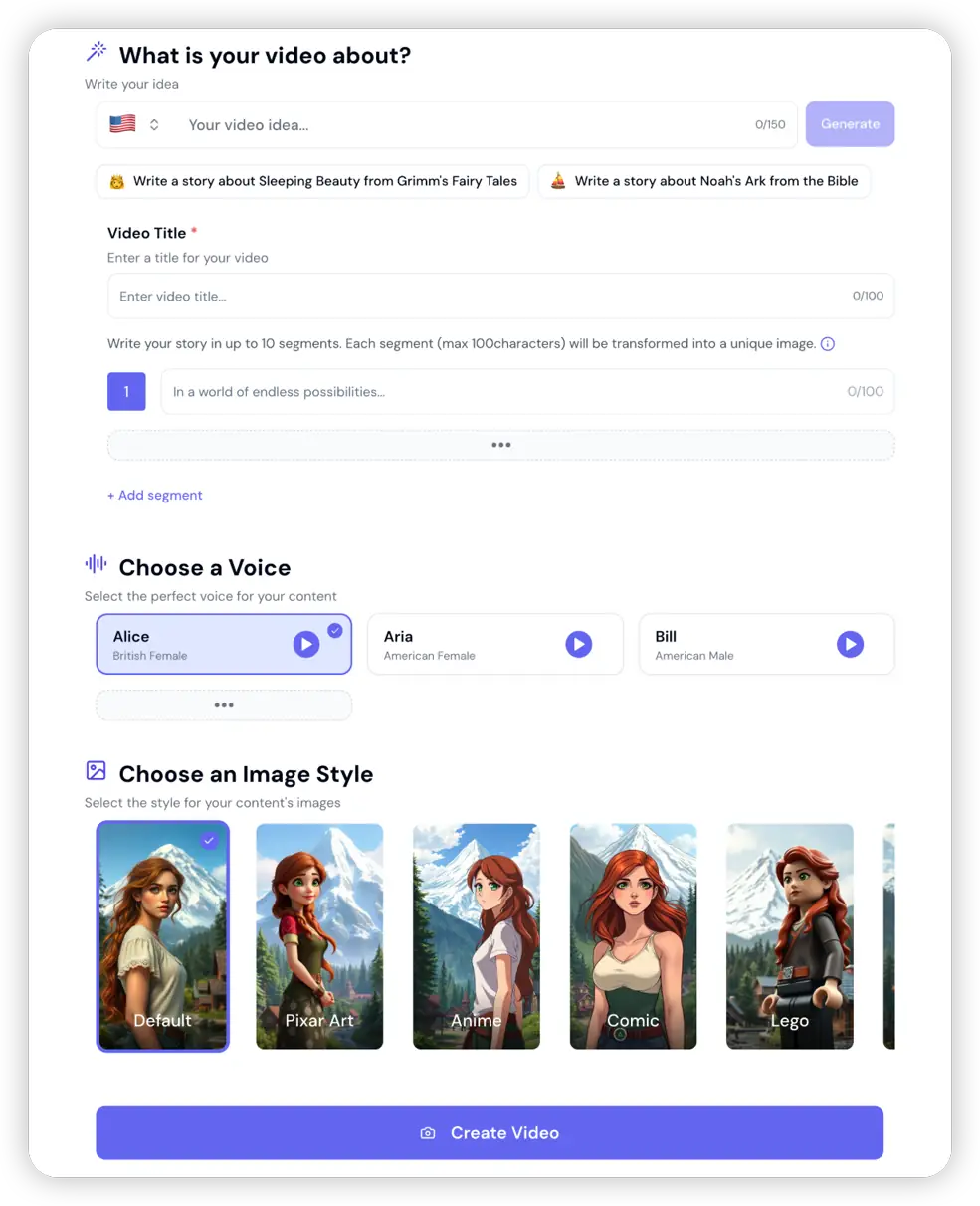
Start With a Topic or Script
Enter a topic, rough script, or hook. VeeVi helps you turn that starting point into a usable short-video draft instead of forcing you to begin from a blank page.
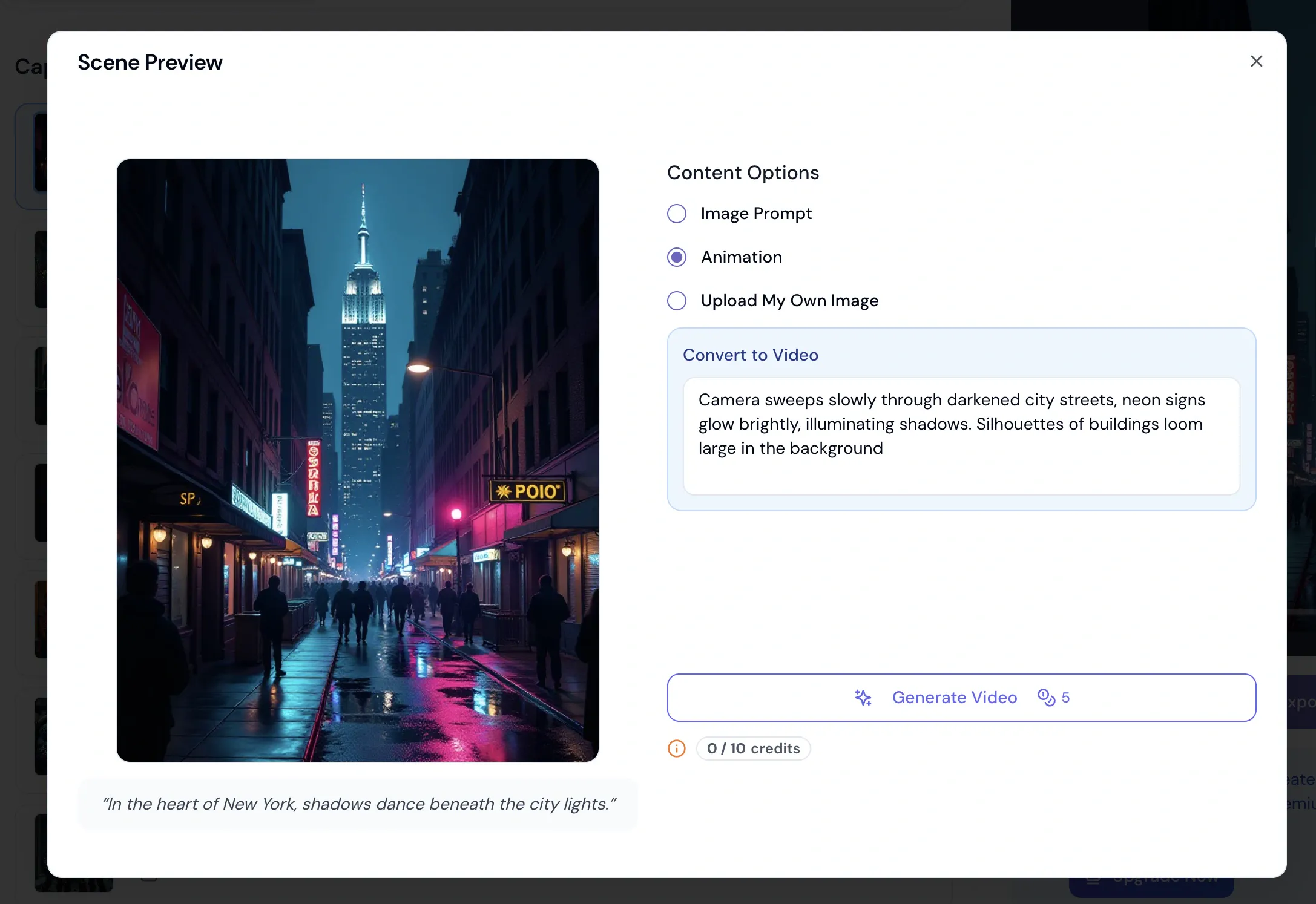
Shape Every Scene
Open any scene to rewrite its image prompt, upload your own picture, or turn the still into a short animation — so the video looks like your channel, not a template.
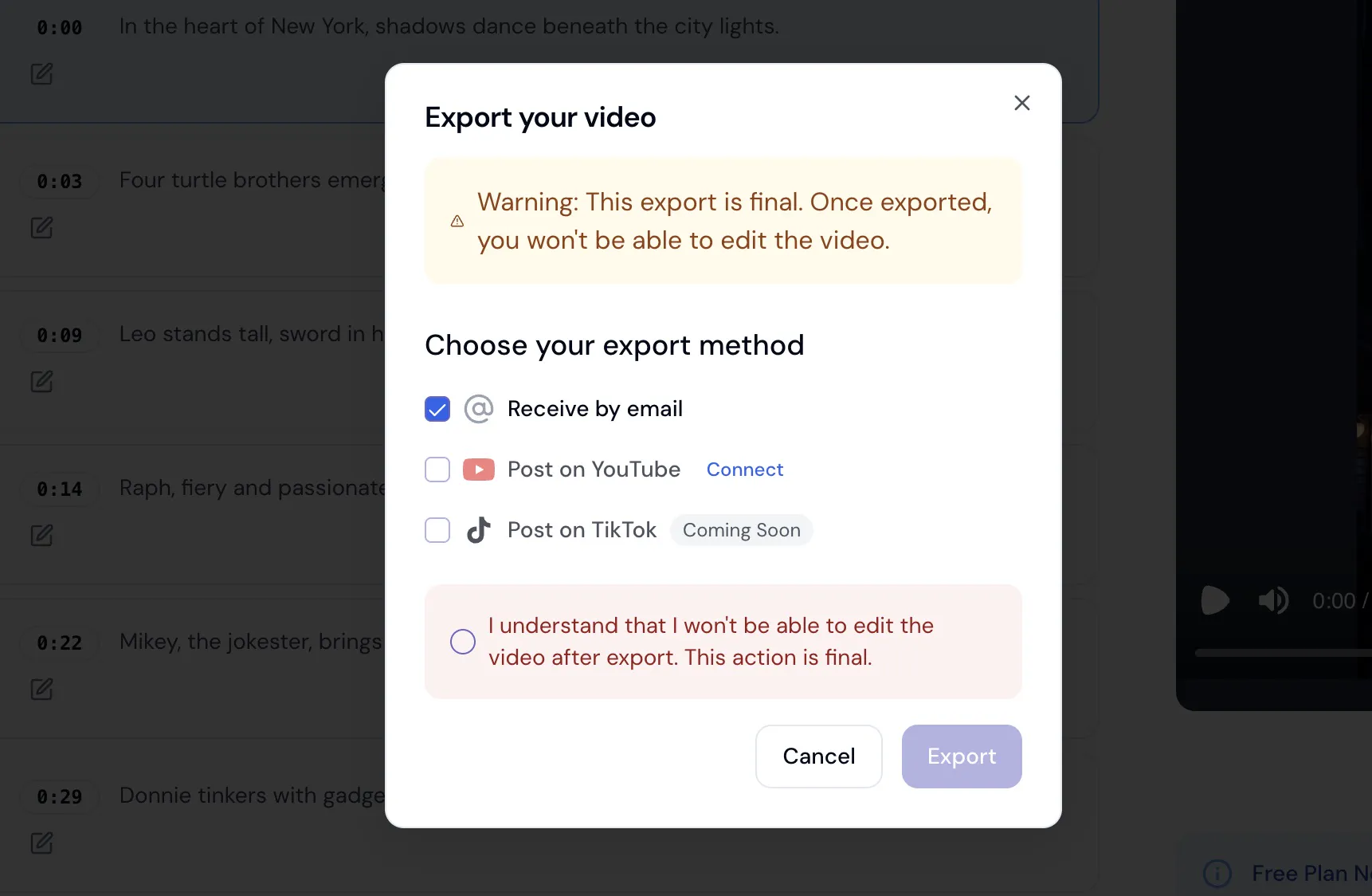
Export and Publish Your Short Video
Download the finished video for YouTube Shorts, TikTok, and Reels, or keep editing until the timing, visuals, and captions feel right.
Example Short Videos Made With VeeVi
See how creators use VeeVi for story clips, explainers, themed channels, and other short-form formats without needing to be on camera.
Jurassic Park: Professional Faceless Video
LEGO Star Wars: Faceless Video Animation
Rapunzel: AI-Generated Faceless Video
Spirited Away: Faceless Video Essay
Romance: Faceless Video for TikTok
Ninja Turtles: Faceless Video Tutorial
Everything You Need to Make Short Videos Faster
Go from idea to finished video in one workflow, with more control over how the final result looks and sounds.
AI Video Drafting
Turn a topic, script, or idea into a ready-to-edit short video draft.
Animated Visuals
Use motion and scene generation to make static ideas feel more alive.
Multiple Languages
Create videos for different audiences without rebuilding the workflow from scratch.
Flexible Visual Styles
Choose from a wide range of looks so your videos do not all feel the same.
Direct Publishing
Move from finished edit to publishing faster with built-in platform support.
AI Voice Options
Pick voices that match the tone of your channel, topic, and audience.
Caption Styling
Adjust font, color, timing, size, and placement so captions match your format.
Music Library
Use built-in background tracks or bring your own audio for a better finish.
Short-Form Ready Output
Export in the right format for YouTube Shorts, TikTok, and other vertical platforms.
Simple, Transparent Pricing for Faceless Videos
Choose the perfect plan to create professional faceless videos for your business
FREE
- 1 faceless video (one-time)
- 1 auto caption (one-time)
- 30 AI credits (one-time)
- Files kept for 7 days
- Export & download videos
- Watermark-free HD quality
- High-Quality Image Model
- AI Video Model
- 14+ Languages
- 123+ AI Voices
- Multiple Image Styles
- Caption Customization
- Background Music
- One-click publish to YouTube
STARTER
- 15 faceless videos / month
- 15 auto captions / month
- Extra 200 AI credits for image edits & animations
- Files kept while subscribed
- Export & download videos
- Watermark-free HD quality
- High-Quality Image Model
- AI Video Model
- 14+ Languages
- 123+ AI Voices
- Multiple Image Styles
- Caption Customization
- Background Music
- One-click publish to YouTube
BASIC
- 50 faceless videos / month
- 50 auto captions / month
- Extra 600 AI credits for image edits & animations
- Files kept while subscribed
- Export & download videos
- Watermark-free HD quality
- High-Quality Image Model
- AI Video Model
- 14+ Languages
- 123+ AI Voices
- Multiple Image Styles
- Caption Customization
- Background Music
- One-click publish to YouTube
EXPERT
- 120 faceless videos / month
- 120 auto captions / month
- Extra 1500 AI credits for image edits & animations
- Files kept while subscribed
- Export & download videos
- Watermark-free HD quality
- High-Quality Image Model
- AI Video Model
- 14+ Languages
- 123+ AI Voices
- Multiple Image Styles
- Caption Customization
- Background Music
- One-click publish to YouTube
Frequently Asked Questions
Everything you need to know about creating faceless videos for YouTube and TikTok